 Daily Office
Lesson 3 of 4 · About 3 minutes
The Toolbar and Settings
Using the toolbar
The buttons above the office are the toolbar. When you first open the app, it holds three:
- Listen has the office read aloud.
- Themes changes how the page looks: its typeface, its size, and light or dark.
- Overflow (…) holds everything else.
Tap Overflow, the last button in the toolbar.
Click Overflow, the last button in the toolbar.
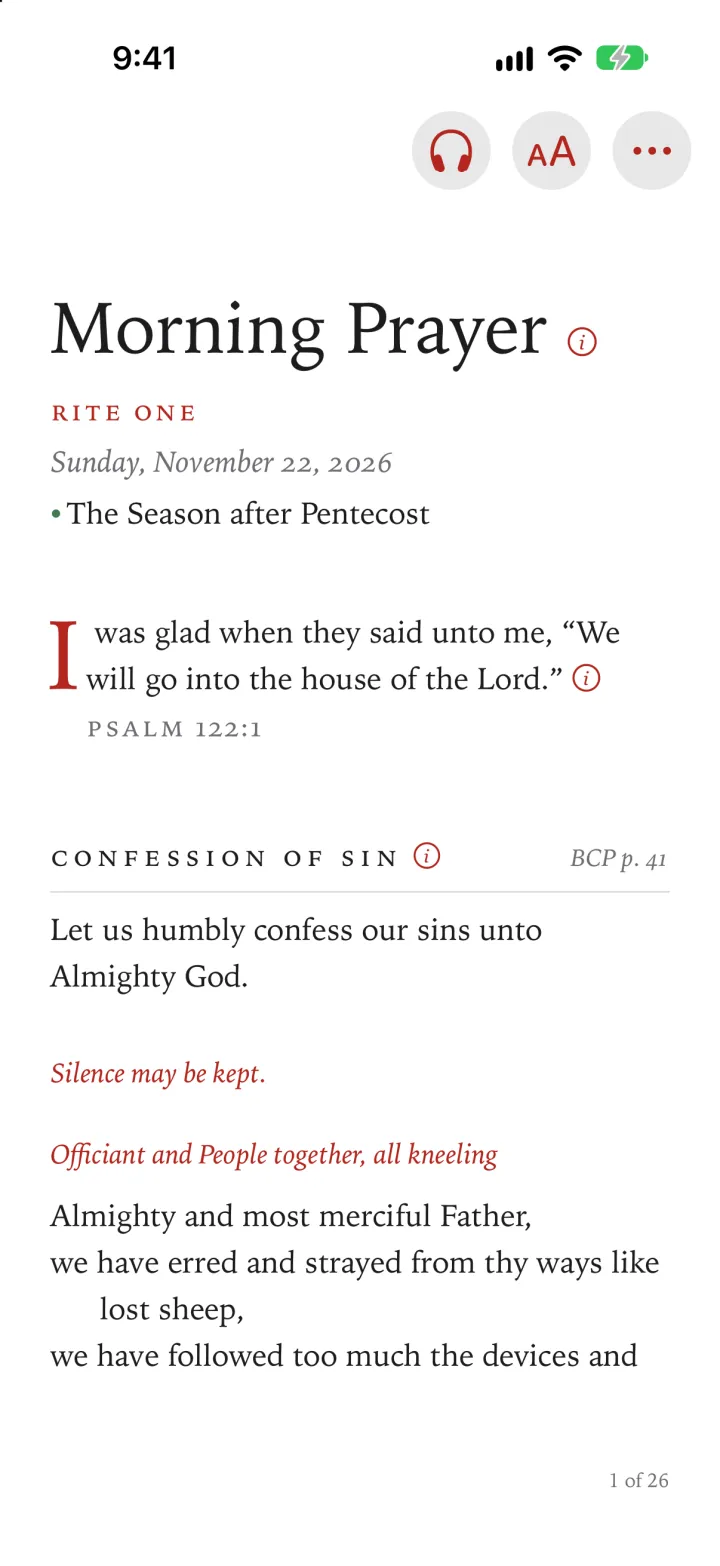
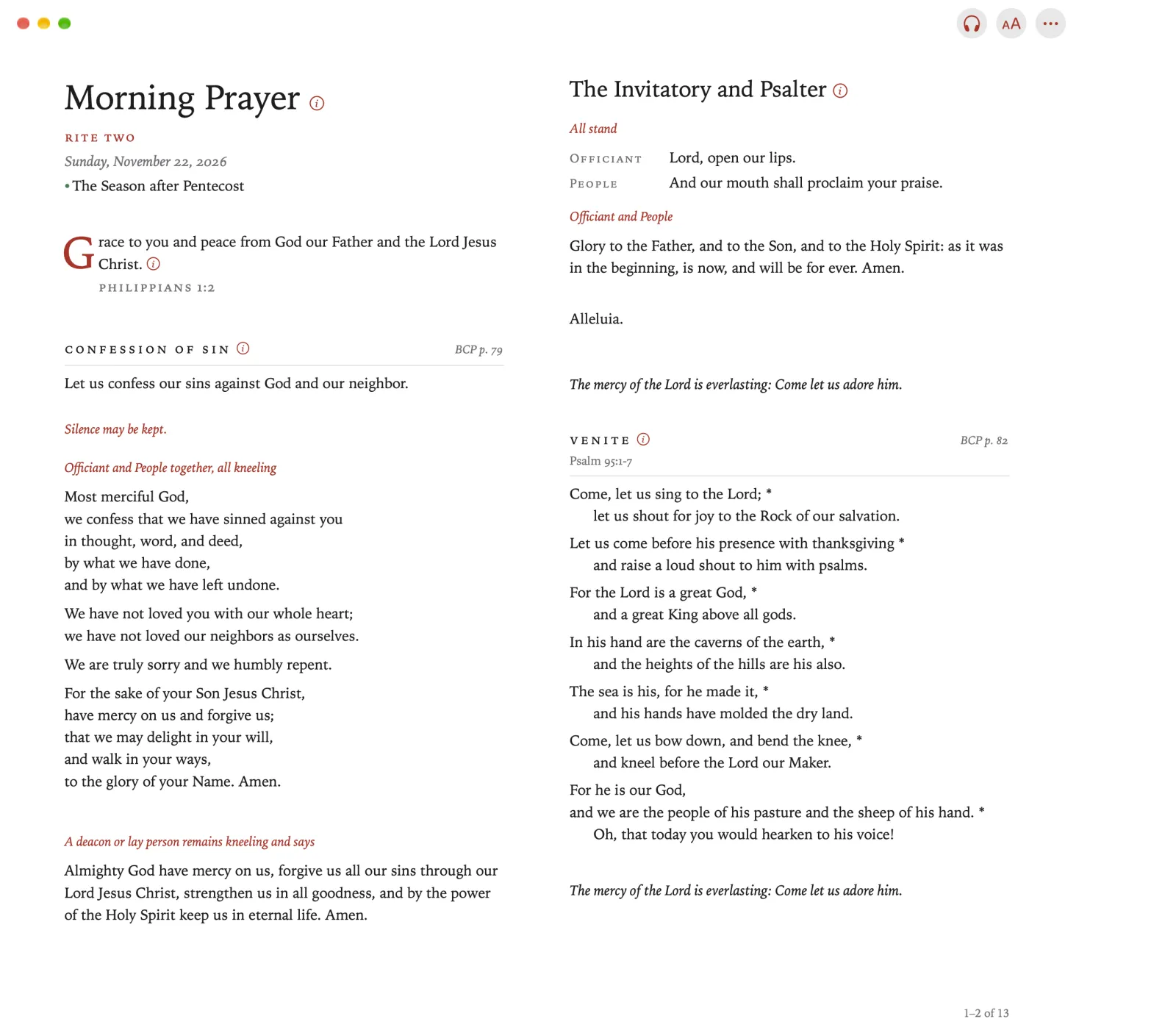
Overflow opens, with the buttons that aren’t in the toolbar.
Tap a button to open it, or tap anywhere outside Overflow to close it.
Click a button to open it, or click anywhere outside Overflow to close it.
The buttons beside the window are the toolbar. Overflow (…), at its end, holds the buttons that aren’t in the toolbar, with Settings among them.
On Apple TV, everything is in the sidebar: the offices, the devotions and the other services, and then Go to, Prayers, Timer, Themes, Settings and Learn.
Press Back on the remote to show the sidebar.
Select what you want. The sidebar closes.
Choosing which office opens
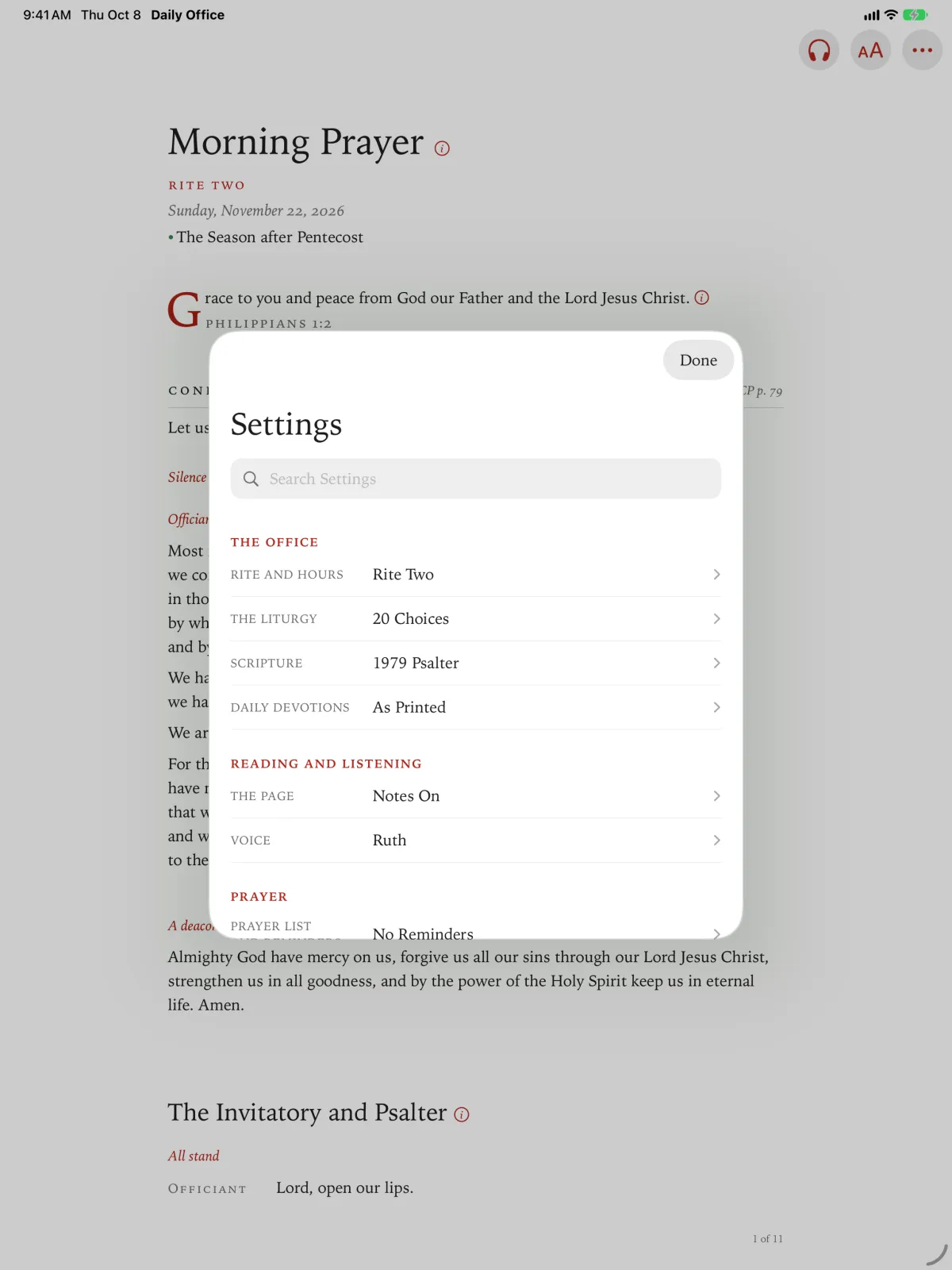
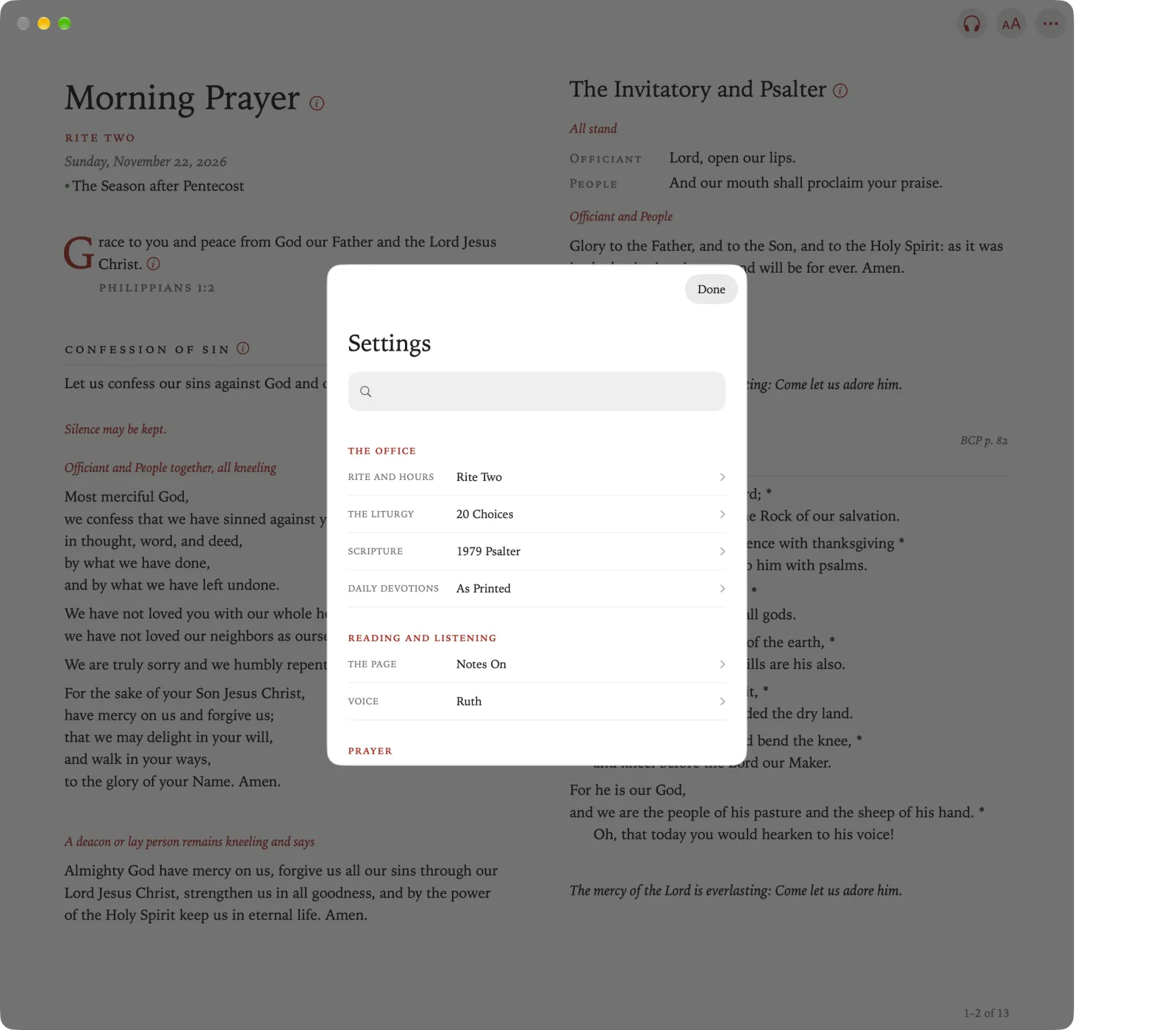
Settings holds the choices you make once and then leave alone: the rite, the hours, the readings, how the page looks.
Tap Overflow, and then tap Settings.
Click Overflow, and then click Settings.
Pinch Overflow, and then pinch Settings.
Tap Rite and Hours.
Click Rite and Hours.
Pinch Rite and Hours.
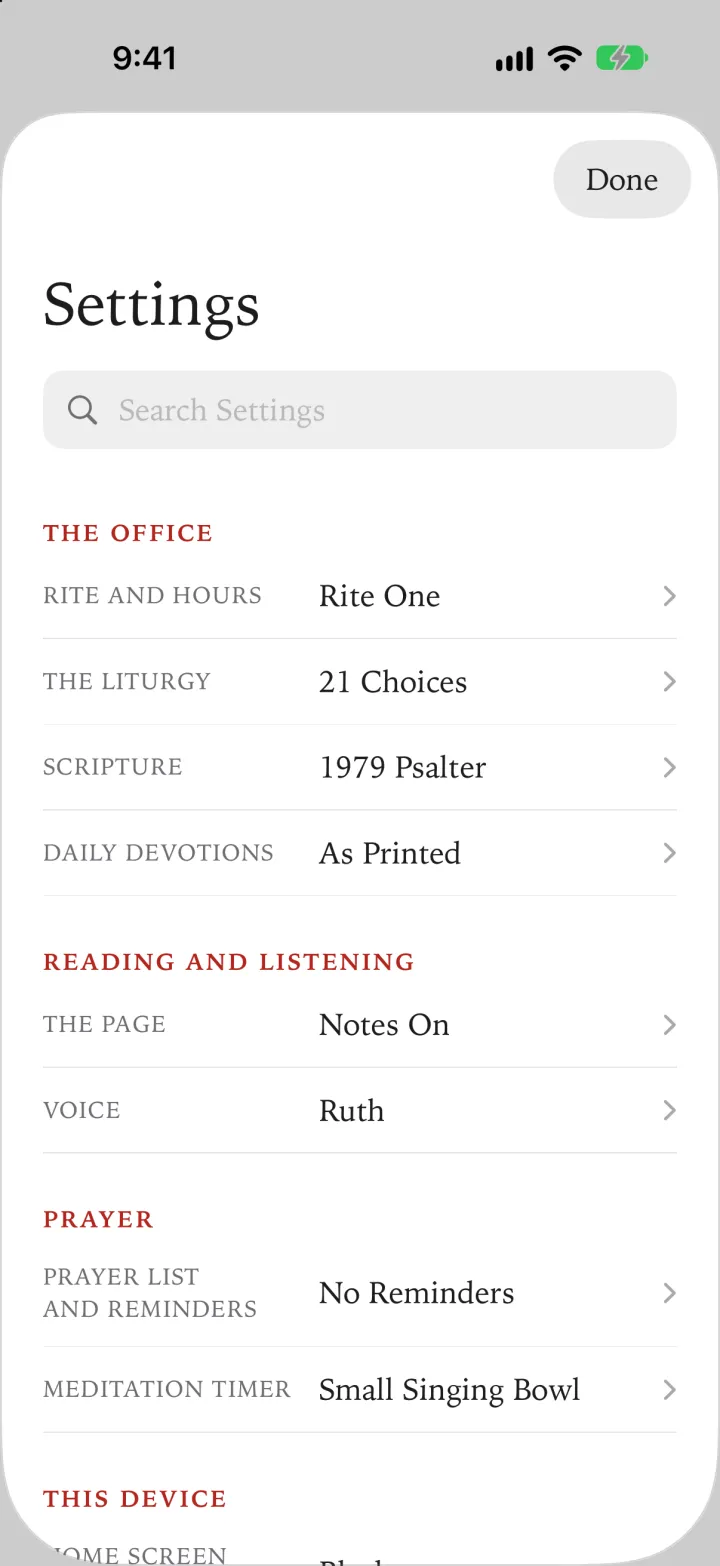
Tap Opens On.
Click Opens On.
Pinch Opens On.
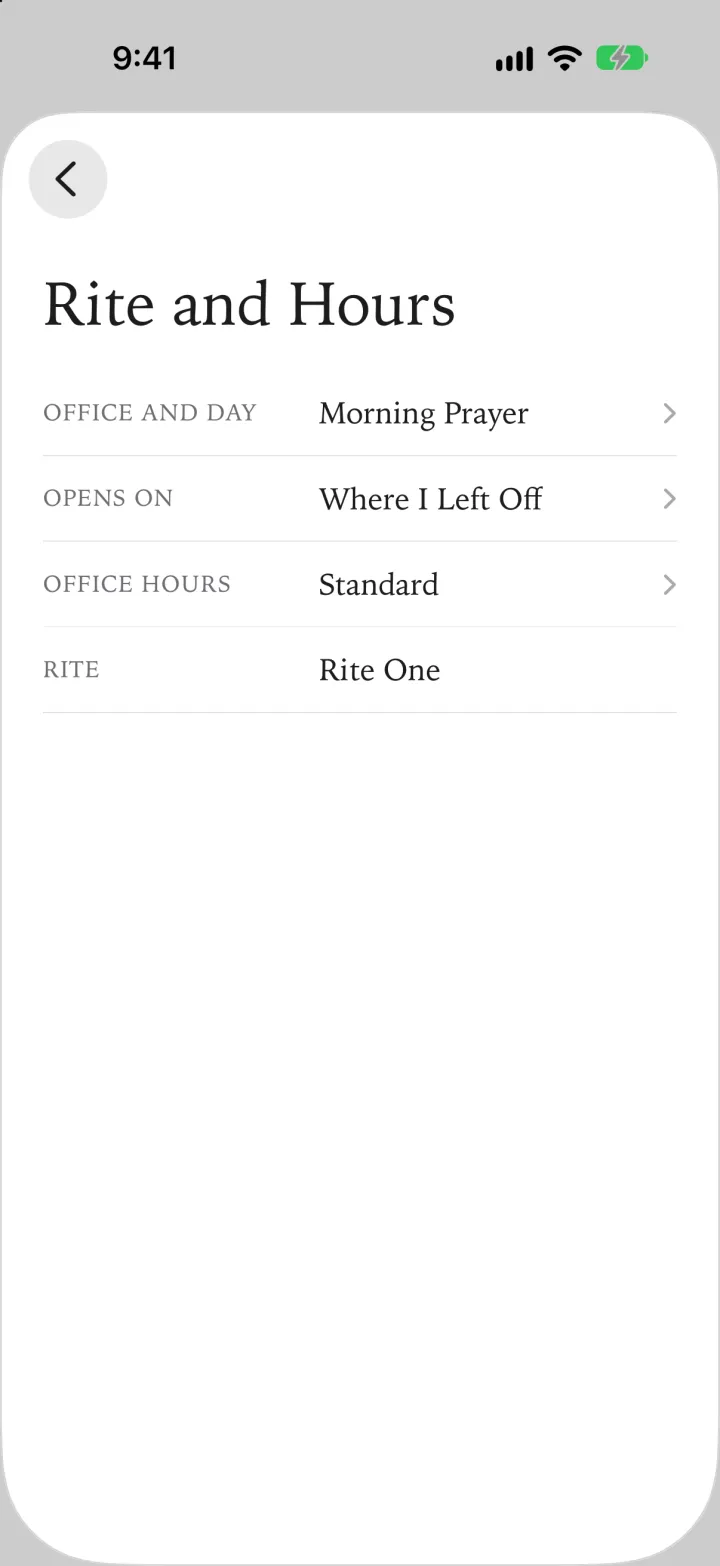
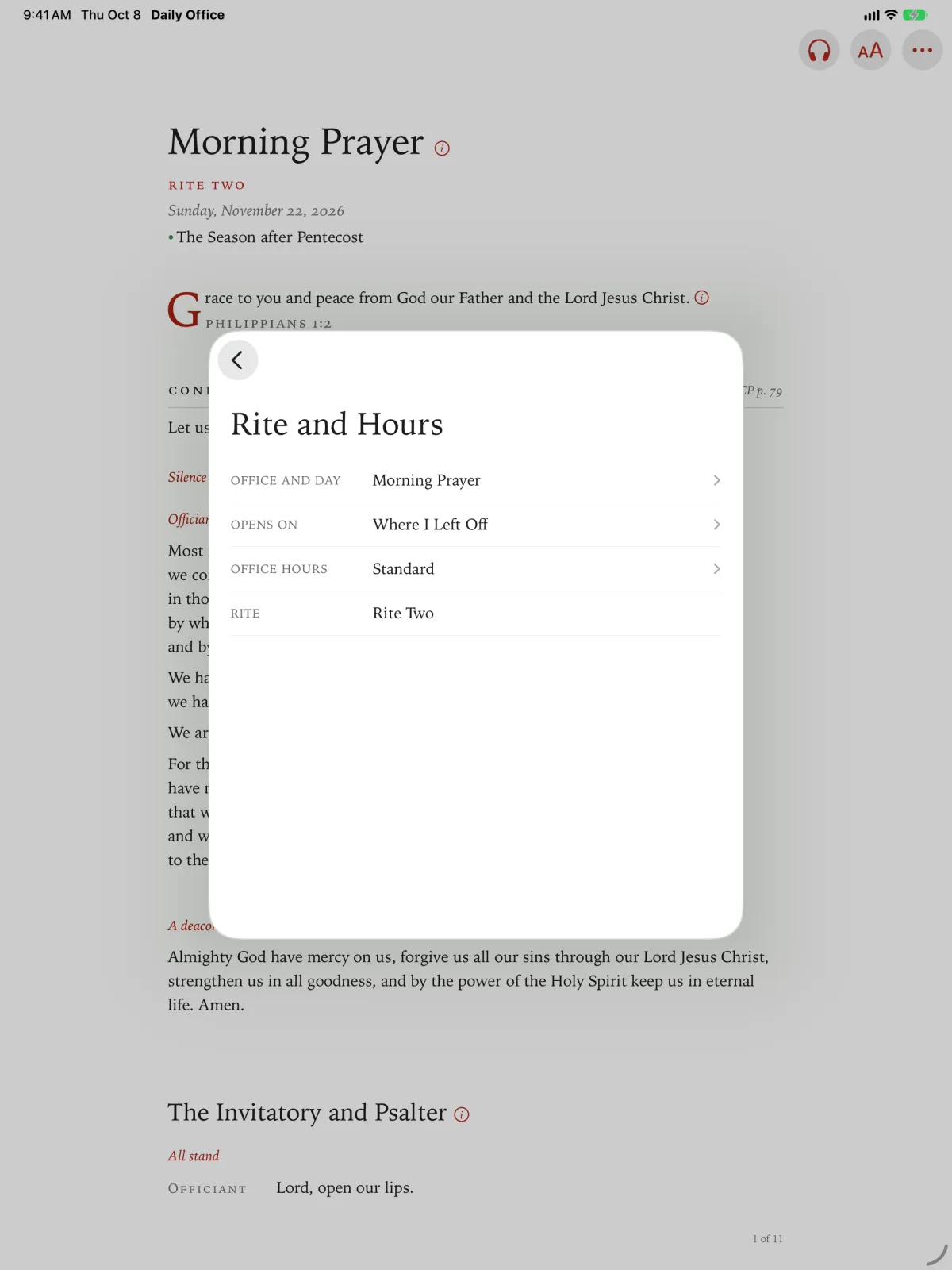
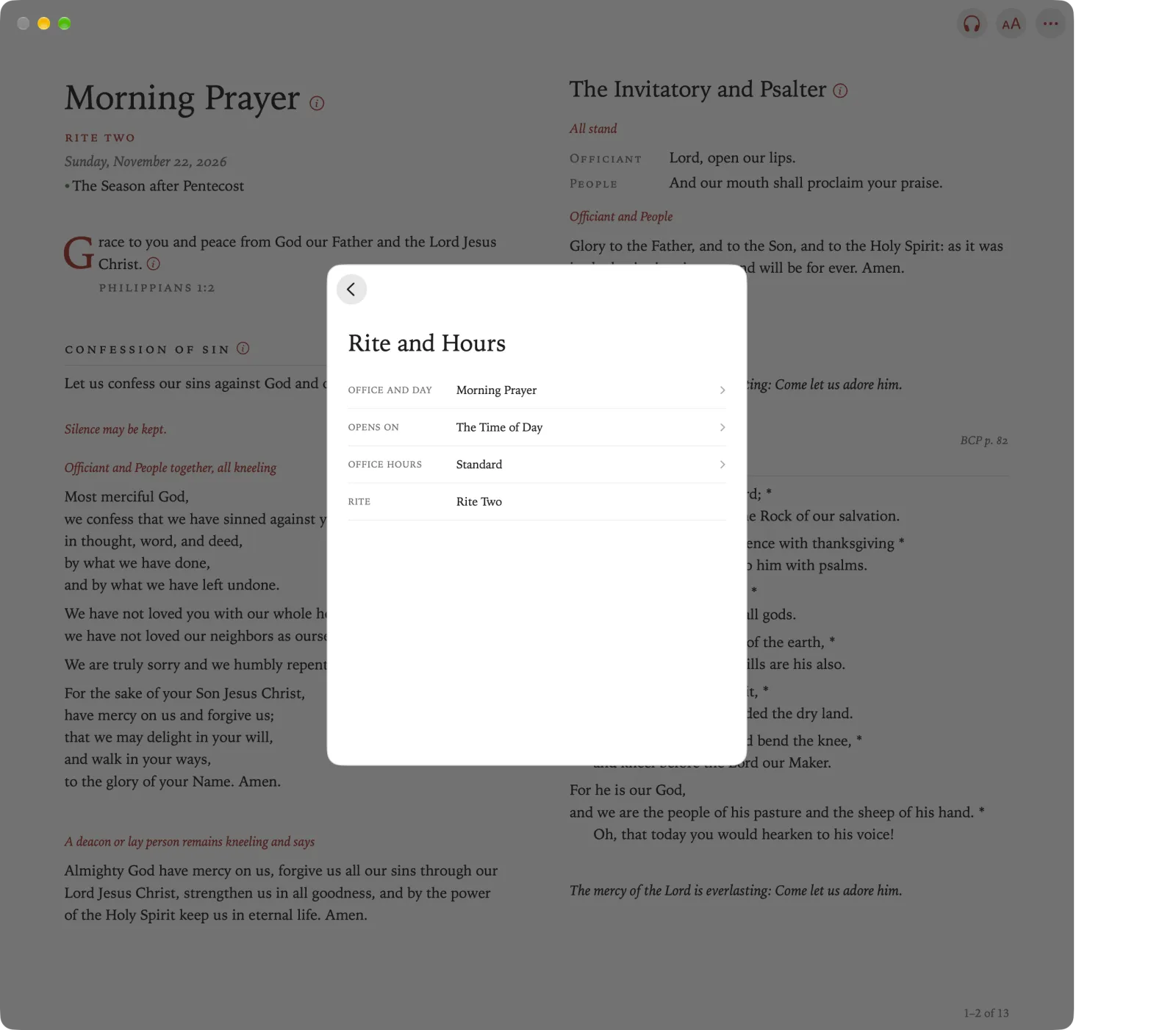
Choose one of its three choices, below. You go back to Rite and Hours. Tap the back arrow to return to Settings, and then tap Done to go back to the office.
Choose one of its three choices, below. You go back to Rite and Hours. Click the back arrow to return to Settings, and then click Done to go back to the office.
Choose one of its three choices, below. You go back to Rite and Hours. Pinch the back arrow to return to Settings, and then pinch Done to go back to the office.
Press Back to show the sidebar, and then select Settings.
Select Opens On, and choose one of its three choices, below.
- The Time of Day opens the office for the hour.
- Devotions by the Time of Day opens the Daily Devotion for the hour instead.
- Where I Left Off opens the last office you read.