 Daily Office
Lesson 1 of 4 · About 3 minutes
Adding a Prayer
Tap Overflow, and then tap Prayer List.
The Prayer List opens.
Click Overflow, and then click Prayer List.
The Prayer List opens.
Tap Add a Prayer.
A new prayer opens.
Click Add a Prayer.
A new prayer opens.
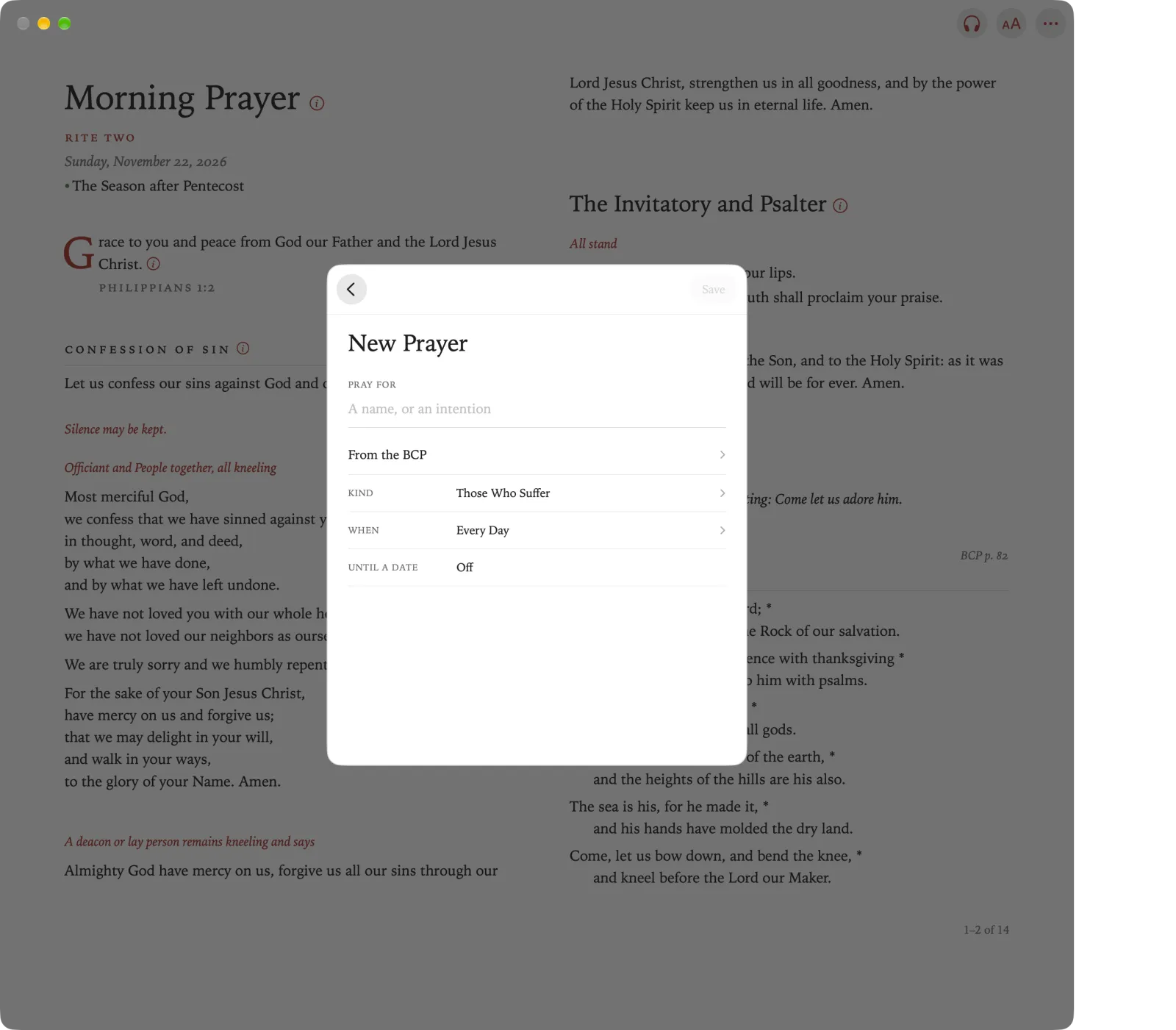
Under Pray For, type a name or an intention.
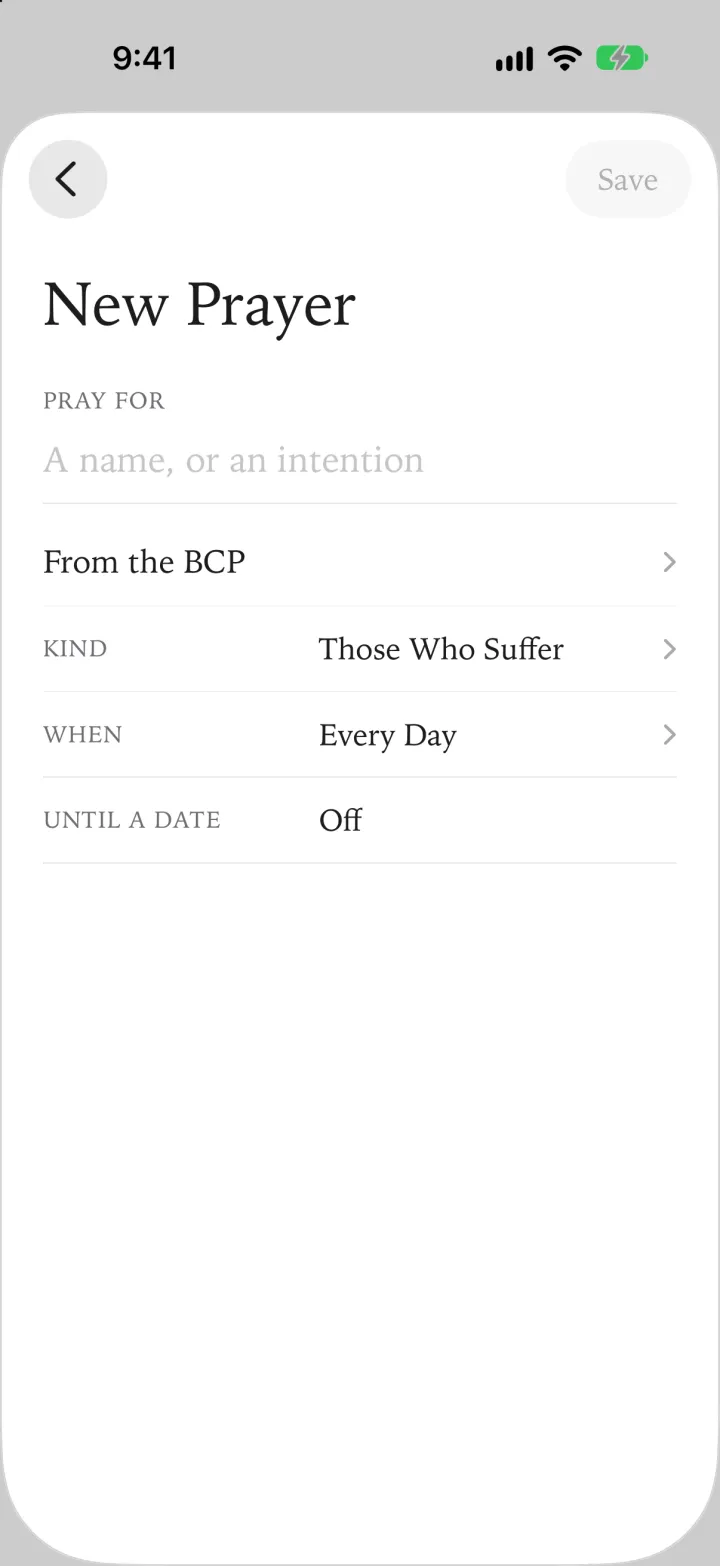
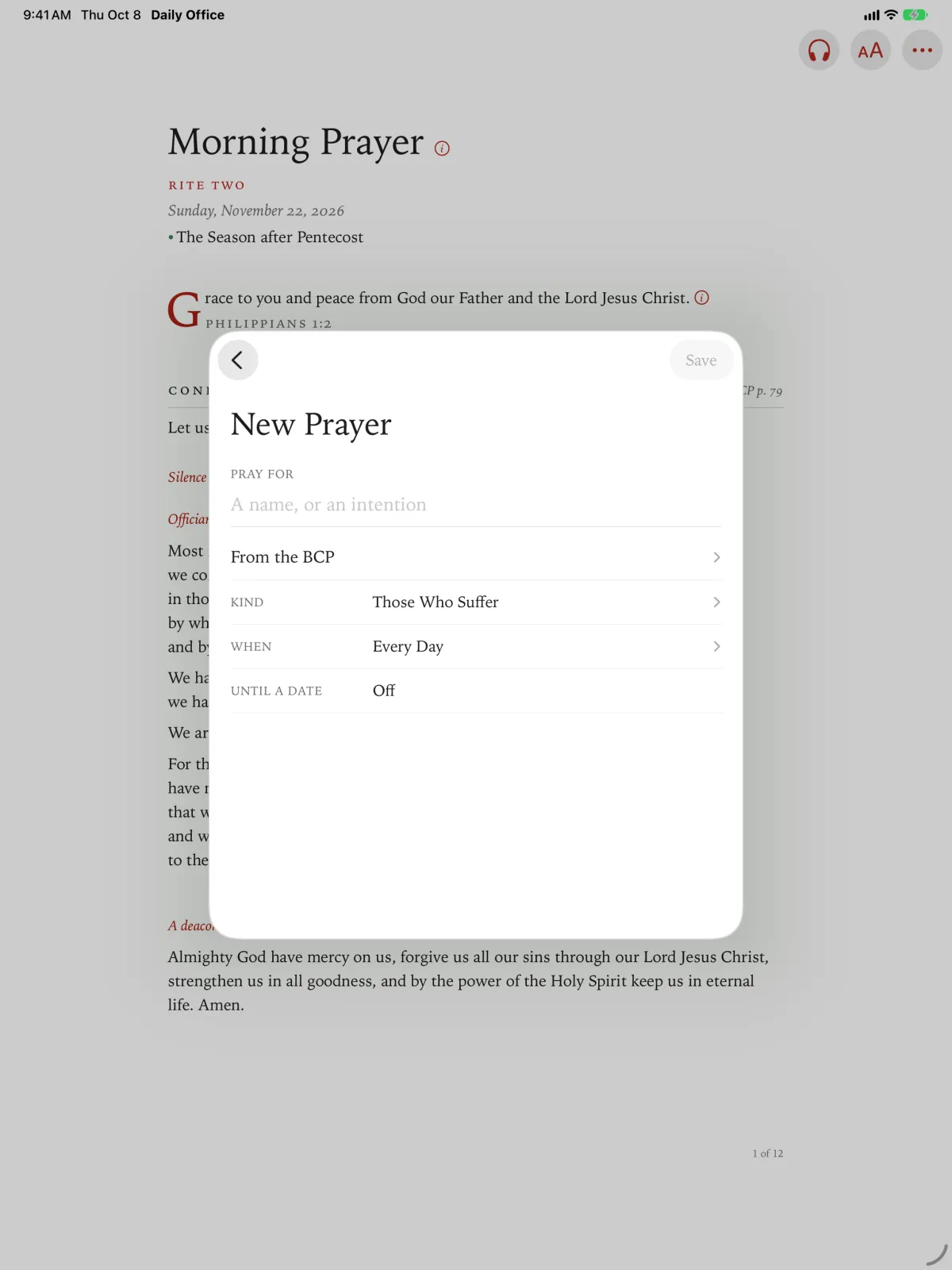
Tap Kind to choose the heading it comes under, such as The Church or Those Who Suffer.
Click Kind to choose the heading it comes under, such as The Church or Those Who Suffer.
Tap When to choose how often it comes up.
- Every Day.
- One Day a Week, on the day you choose.
- Spread Through the Week: the app chooses a day for it, so a long list is spread across the week.
Click When to choose how often it comes up.
- Every Day.
- One Day a Week, on the day you choose.
- Spread Through the Week: the app chooses a day for it, so a long list is spread across the week.
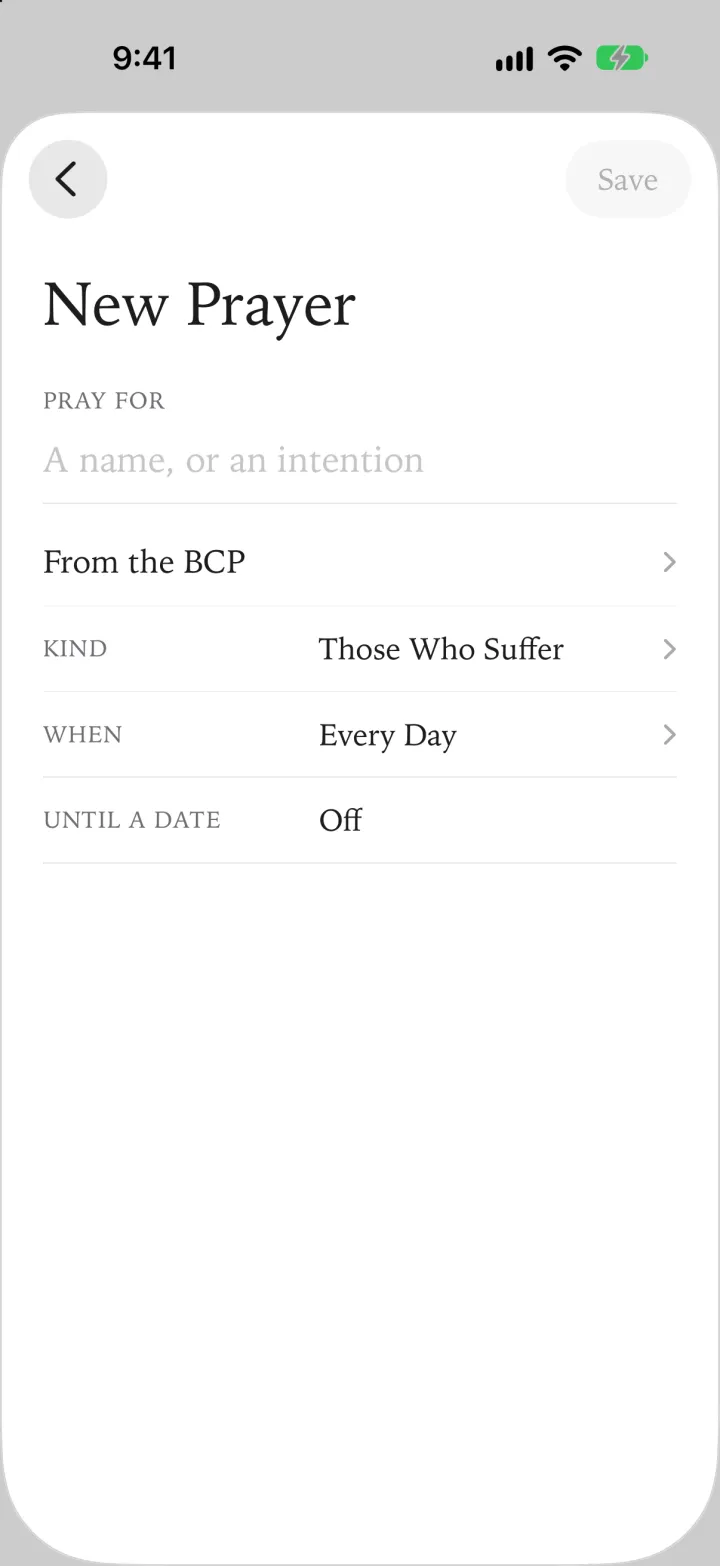
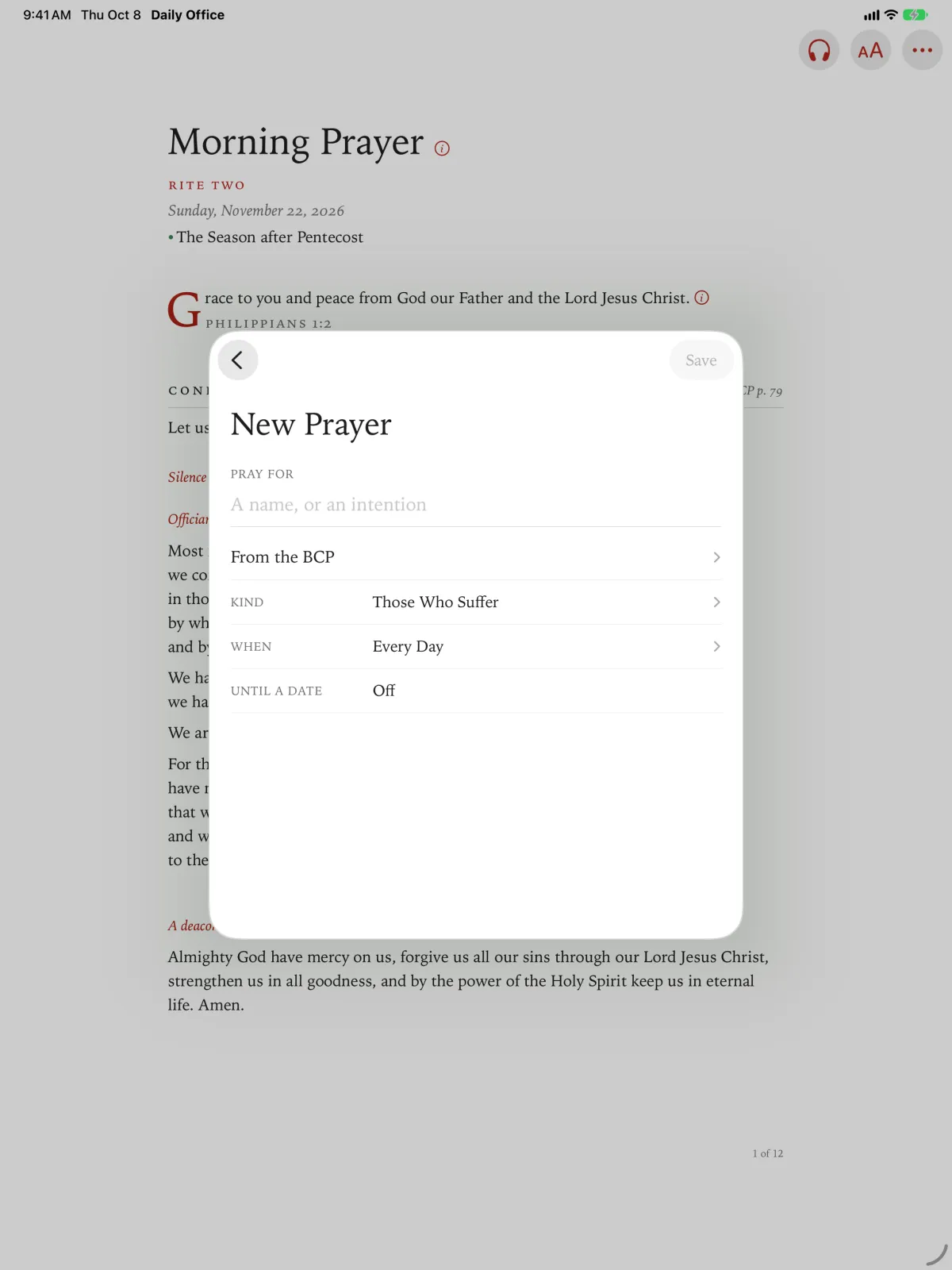
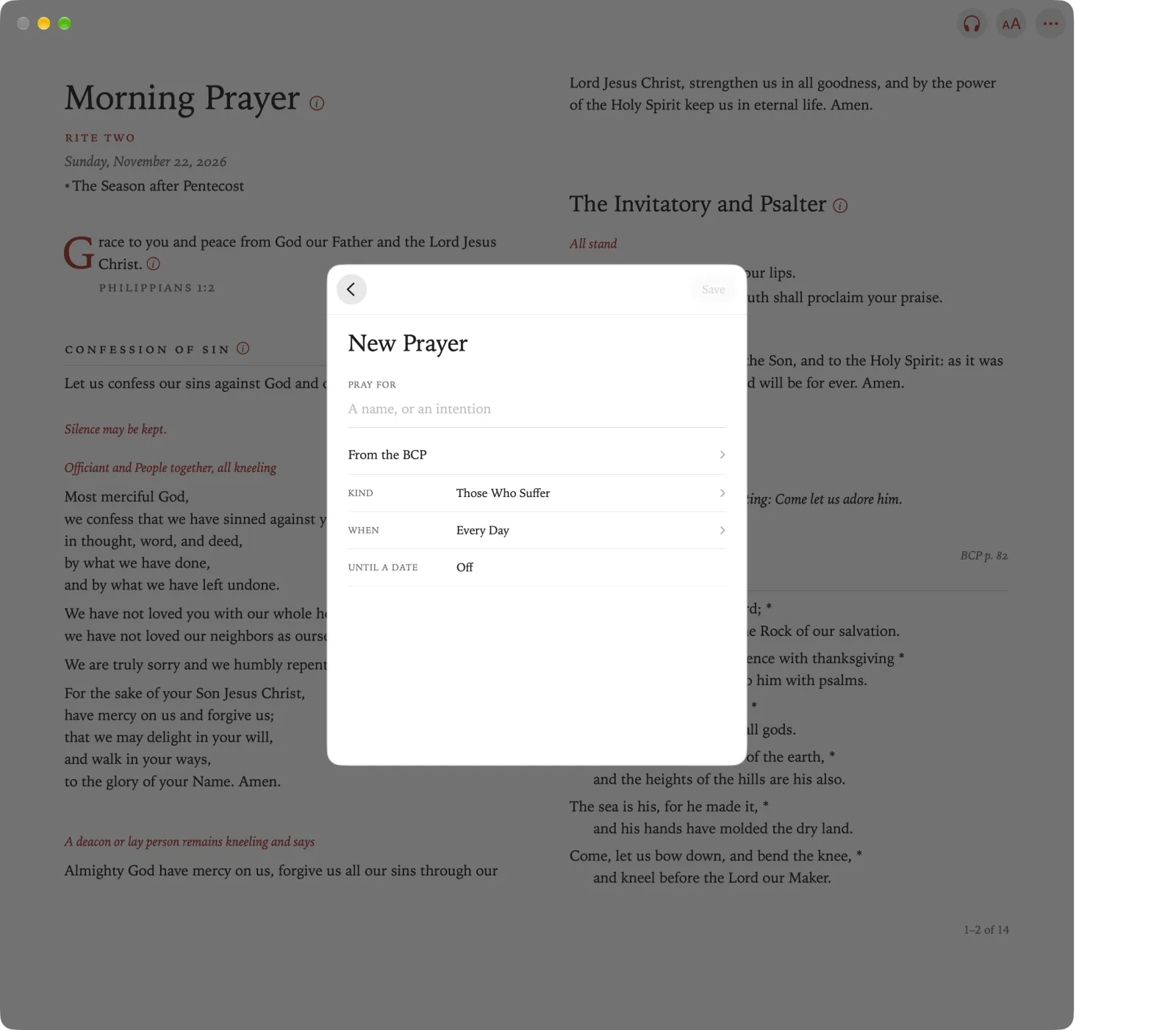
Tap Save.
The prayer is on your list.
Click Save.
The prayer is on your list.
Pinch Prayer List in the toolbar (it is first, unless you have moved it; if it is in Overflow, pinch Overflow first).
Pinch Add a Prayer.
Type a name or an intention under Pray For.
Pinch Kind to choose the heading it comes under, and When to choose how often.
Pinch Save.
A prayer from the BCP
Instead of your own words, you can choose one of the BCP’s Prayers and Thanksgivings, on pages 814 to 841.
On a new prayer, tap From the BCP.
The prayers are listed in the BCP’s own groups, each with its page.
On a new prayer, click From the BCP.
The prayers are listed in the BCP’s own groups, each with its page.
On a new prayer, pinch From the BCP.
The prayers are listed in the BCP’s own groups, each with its page.
Tap a prayer to choose it.
It goes under the Kind that fits it. You can change it.
Click a prayer to choose it.
It goes under the Kind that fits it. You can change it.
Pinch a prayer to choose it.
It goes under the Kind that fits it. You can change it.
Choose When, and tap Save.
Choose When, and click Save.
Choose When, and pinch Save.
Apple TV keeps no prayer list of its own. Prayers, in the sidebar, shows the list you keep on your iPhone, iPad or Mac, which comes here through iCloud. To add a prayer, use one of those devices.