 Daily Office
Lesson 1 of 4 · About 2 minutes
Praying a Daily Devotion
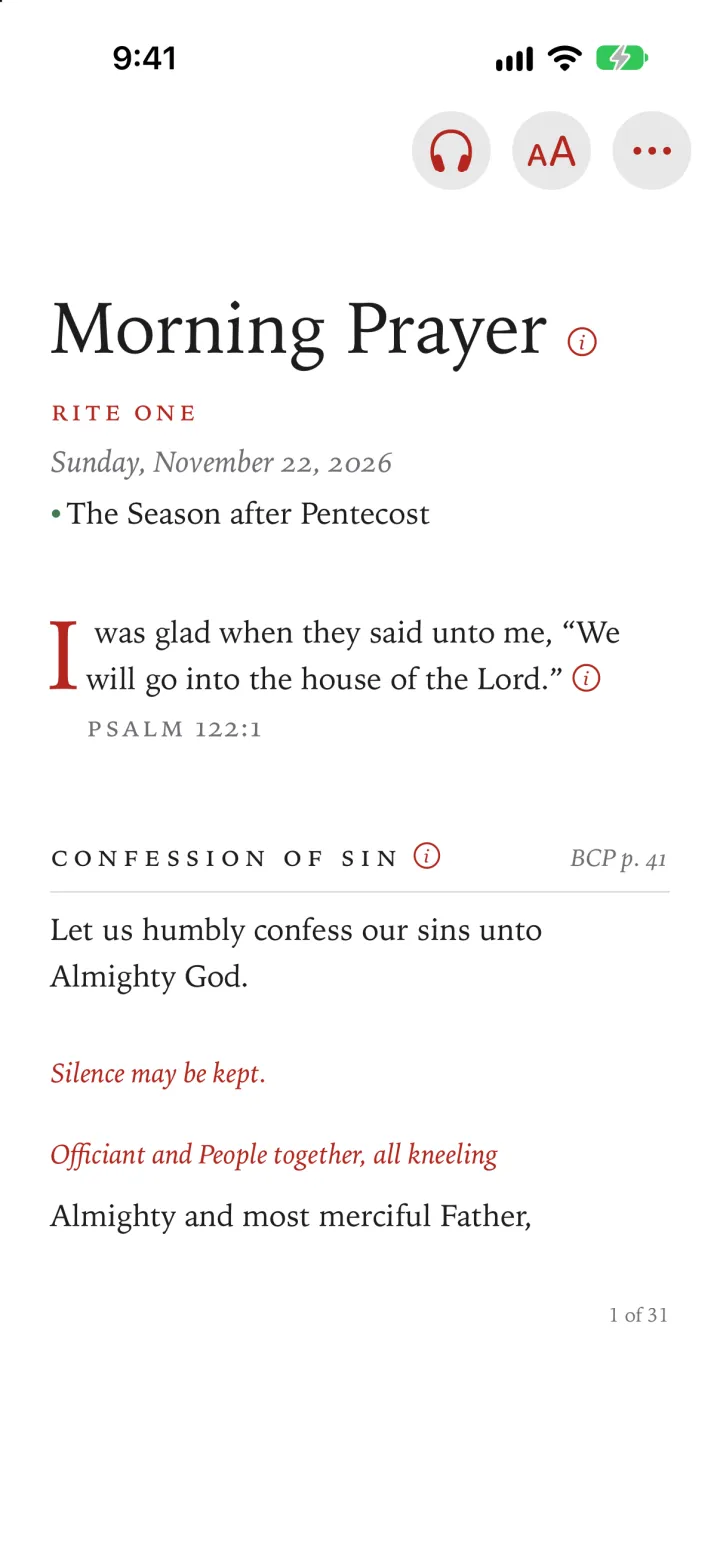
The four devotions are In the Morning, At Noon, In the Early Evening and At the Close of Day. You open one from Go to, as you would an office.
Tap the office’s title and date, at the top of its first page.
Go to opens.
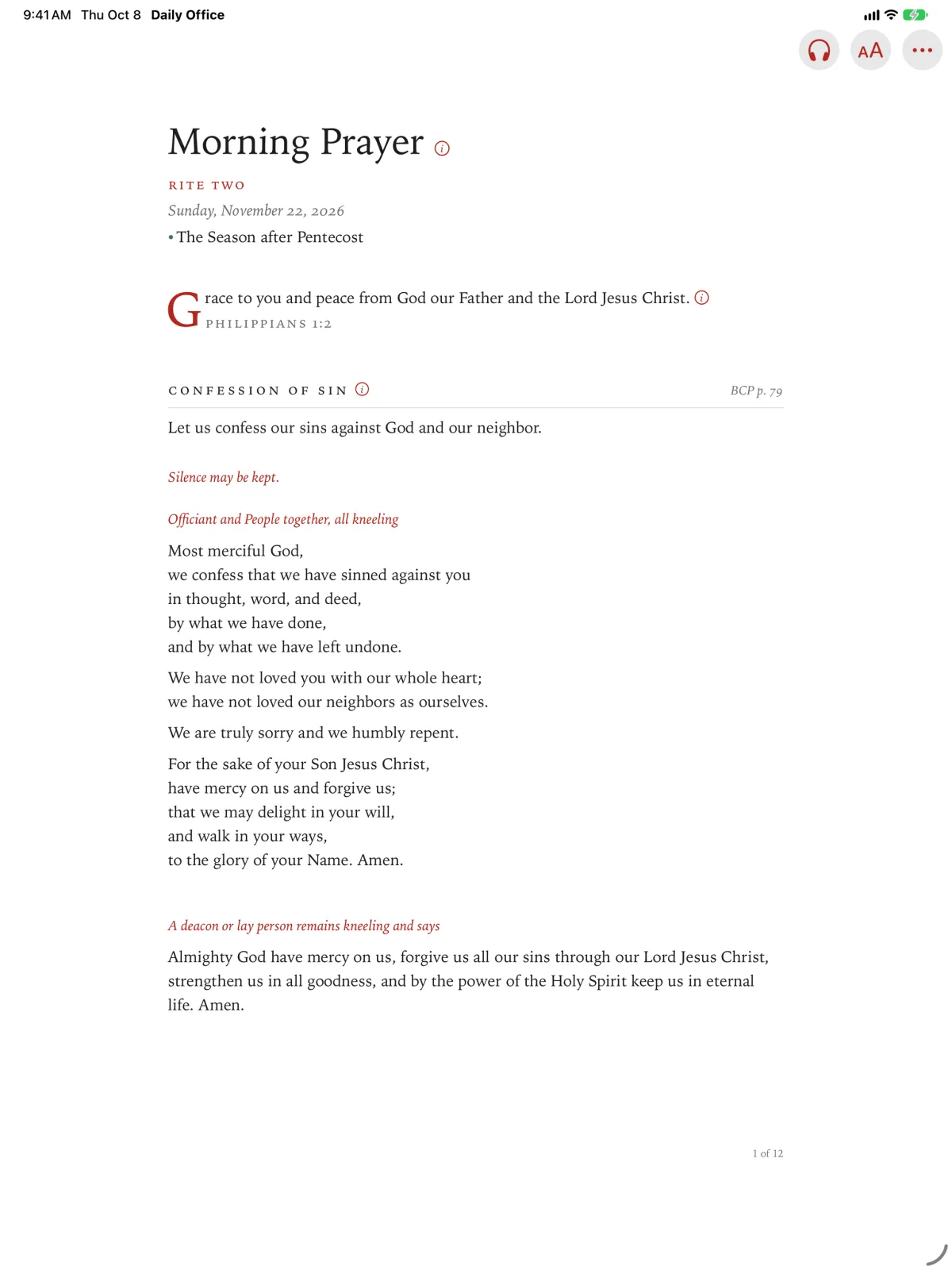
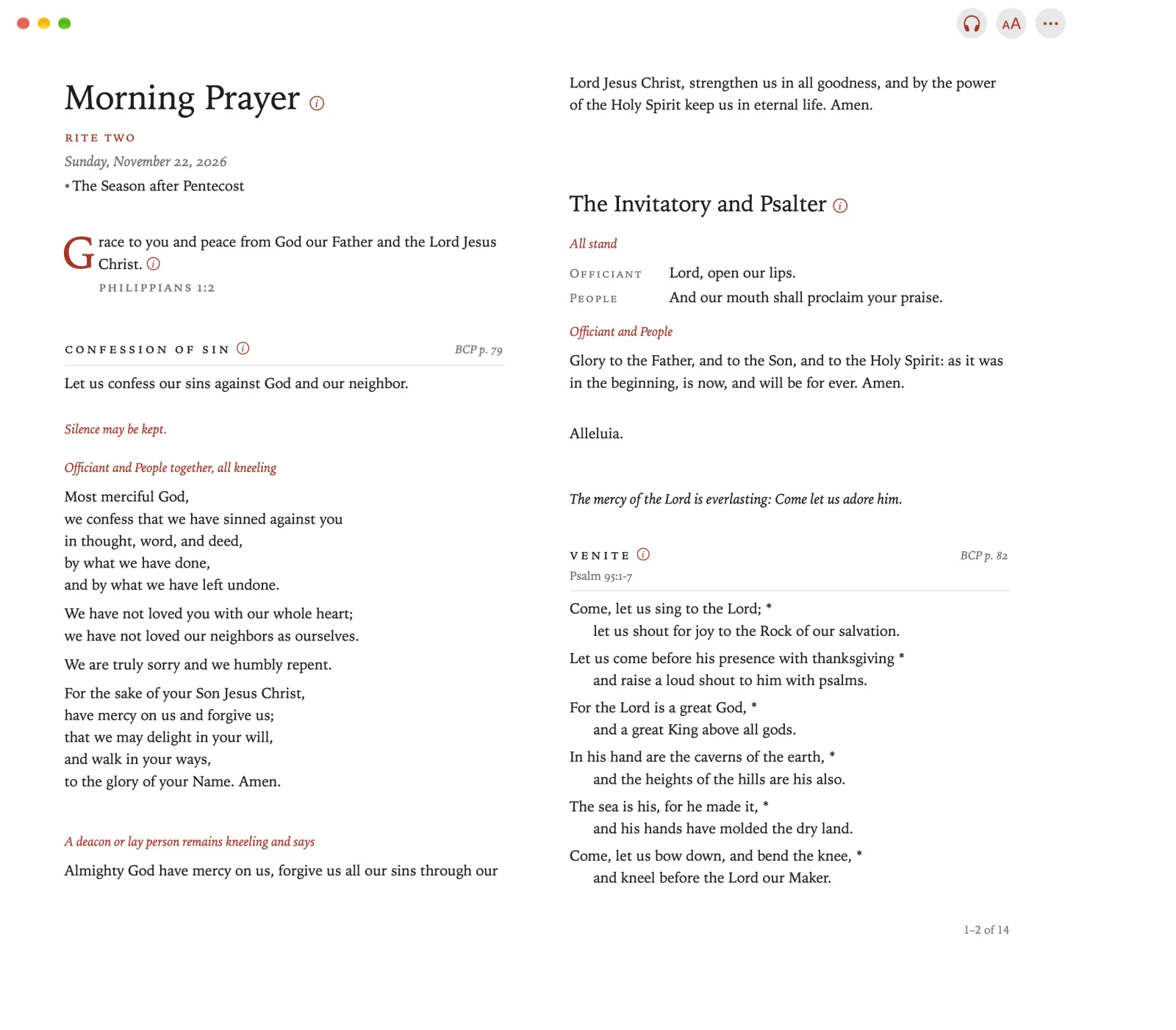
Click the office’s title and date, at the top of its first page.
Go to opens.
Under Daily Devotions, tap the devotion you want.
Under Daily Devotions, click the devotion you want.
Tap Done.
The devotion opens in place of the office.
Click Done.
The devotion opens in place of the office.
Pinch Go to in the toolbar.
Under Daily Devotions, pinch the devotion you want.
Pinch Done.
The devotion opens in place of the office.
Press Back to show the sidebar.
Under Daily Devotions, select the devotion you want.
The devotion opens.
In the sidebar, the devotions are named Morning, Noon, Early Evening and Close of Day.